STL and native format · Send from your iTero account
- On your iTero scanner, select Find a Laboratory.
- Enter Lab ID 4536, or search for International Dental Arts.
- Once we're added, select IDA when you send a case. Attach the Rx and you're done.

We accept files from iTero, TRIOS, Medit, Primescan, and every other major scanner used in independent practice. No special setup, no compatibility check, no friction.
If it isn't listed here, it still works. Every major scanner exports an STL, and we take all of them. Search International Dental Arts in your lab list, or call us and we'll get you set up.
(918) 744-8885STL and native format · Send from your iTero account
STL and native 3Shape format · Send via 3Shape Communicate
STL and native Medit format · Send via Medit Link
STL and native format · Send via DS Core or CEREC Connect
STL and native format · Send via CS Connect, or export and upload
STL and native format · Send from your Aidite account
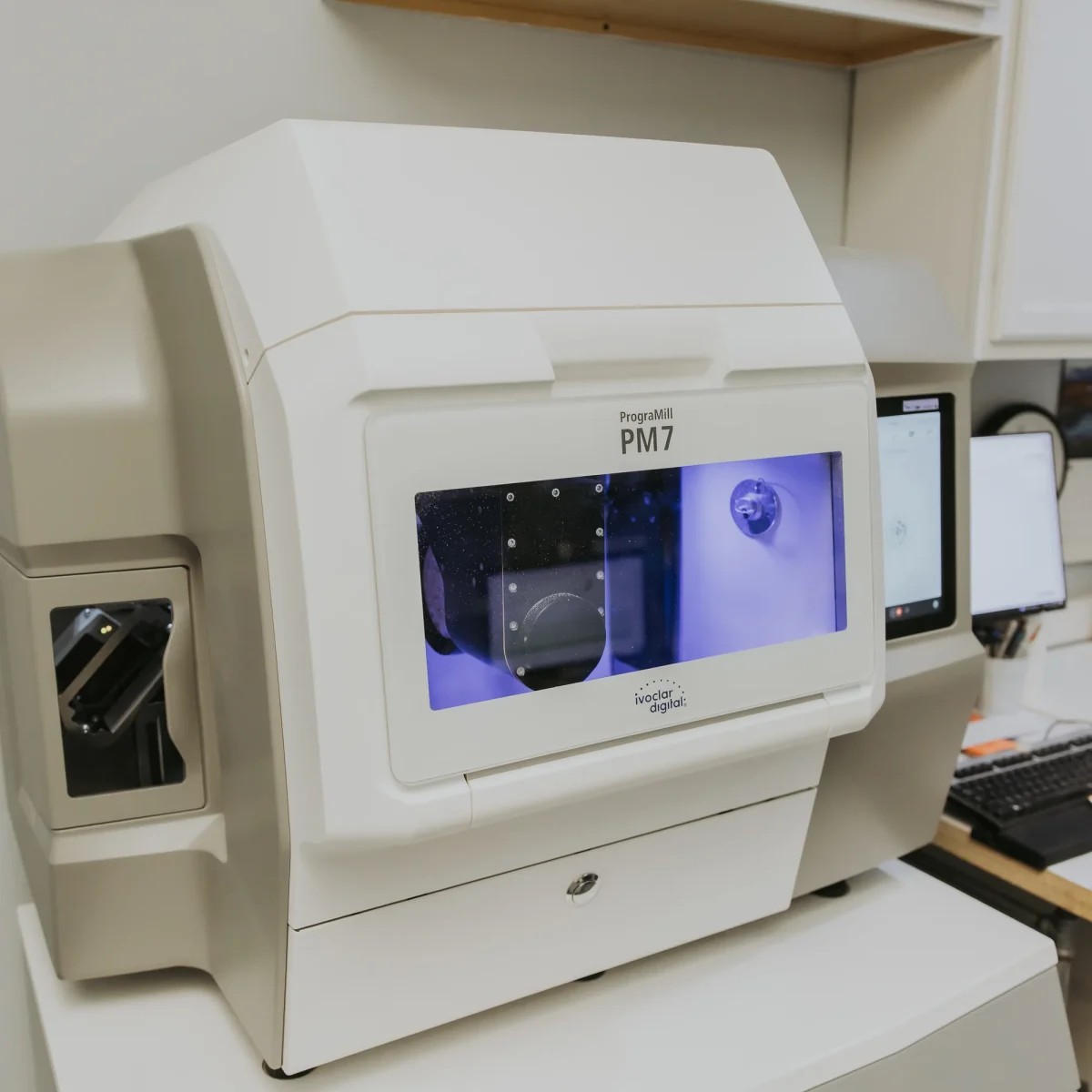
We accept STL files from any scanner. We also accept native scanner formats (DCM, PLY, native 3Shape, native Medit) when they preserve more information than STL alone.
For most cases, STL is enough. For high-precision implant cases or full-arch cases, native format with the case-specific metadata is preferred.
Most major scanners can upload directly to IDA via their native cloud service (3Shape Communicate, Medit Link, iTero account routing). Routing details confirmed at onboarding.
For exported scan files outside a scanner cloud service, the IDA submission portal handles uploads of any size. Portal link sent with your welcome kit.
Smaller scan files can be emailed directly to the lab. Address provided at onboarding alongside your account contact.
Practices new to intraoral scanning sometimes overestimate the setup cost. The reality is most major scanners ship with cloud-routing tools that make sending files to a lab straightforward.
If you’re scanning your first case for IDA, call the lab. We’ll walk you through the routing in ten minutes and answer any case-specific questions about what we want included with the scan.
For most cases in 2026, digital is the cleaner answer. Here’s where each wins, and where each still has a role.
We accept both. Send what fits the case.
We accept both. Send what fits the case.
Schedule a 15-minute case consultation with an IDA technician. We'll talk through your scan, your patient, and what you need from us.
Don’t see your question? Call the lab. You’ll talk to a technician, not a queue.
Contact UsAlmost certainly yes. Call us. We’ve received files from nearly every major and minor scanner in independent practice.
The IDA submission portal handles uploads of any practical size, including full-arch native-format files. Direct-from-scanner uploads follow each scanner cloud service’s own limits.
Yes. If you want the verification, send both.
For most direct-upload scanners, you’ll need to add IDA as a recipient in your scanner account. We can walk you through that on a ten-minute call.
Start with Become a Client. We’ll send the welcome kit, assign a tech, and walk you through scan routing in one onboarding conversation.